Anonymizing a person
Show someone as a stable code (like P-7F3A) instead of their name - everywhere.
Anonymizing a person replaces their name with a stable code (like P-7F3A) in transcripts, summaries, notes, living reports, share links, exports and AI answers. Their real name stays private on their person record, visible only to you.
Where to do it
Open Manage voices (sidebar → People ✨ → MANAGE), find the person, and tap the 🕶 glasses button on their row. That's it - the glasses are the anonymize toggle.
- The row shows their code once anonymized (e.g.
🕶 P-7F3A). - Tap 🕶 again to show their name again; the code stays reserved, so re-anonymizing later uses the same code.
- The same person keeps the same code across every recording and folder.
Counseling folders do this automatically
Create a Counseling folder and link a person - they're anonymized automatically, the code is minted for you, and the folder names itself by the code so a real name can't appear on it.
Anonymize everyone at once
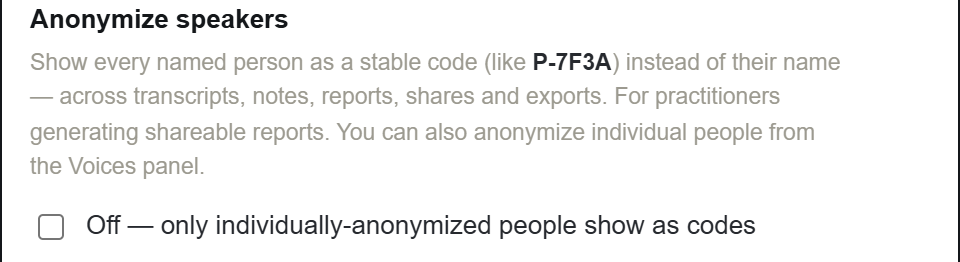
For fully anonymous shareable reports, turn on Settings → Anonymize speakers - every named person gets a code and shows as it everywhere, until you turn it off.
Good to know
- Already-shared links created before anonymizing keep their old content - revoke and re-share them.
- Old summaries/notes display with the code immediately; re-evaluate a recording to regenerate its text with the code baked in.