Organizing
A recording in several folders
A recording can belong to more than one folder - a work topic and a person's folder at once.
Recordings aren't limited to one folder. A conversation can be a Trackforce topic and a counseling session - it belongs in both, and both folders' reports should hear about it.
How assignment works
Every recording has a primary folder (shown on its row) and can have any number of extra memberships:
- Auto: keyword rules pick a topic folder, and voice recognition files the recording into each recognized person's folder - these compose, so one recording can gain several folders with zero clicks.
- Web: row menu ⋯ → tap a folder name to move (change the primary), or the + beside it to also add it. On a recording's page, use the Also in checklist.
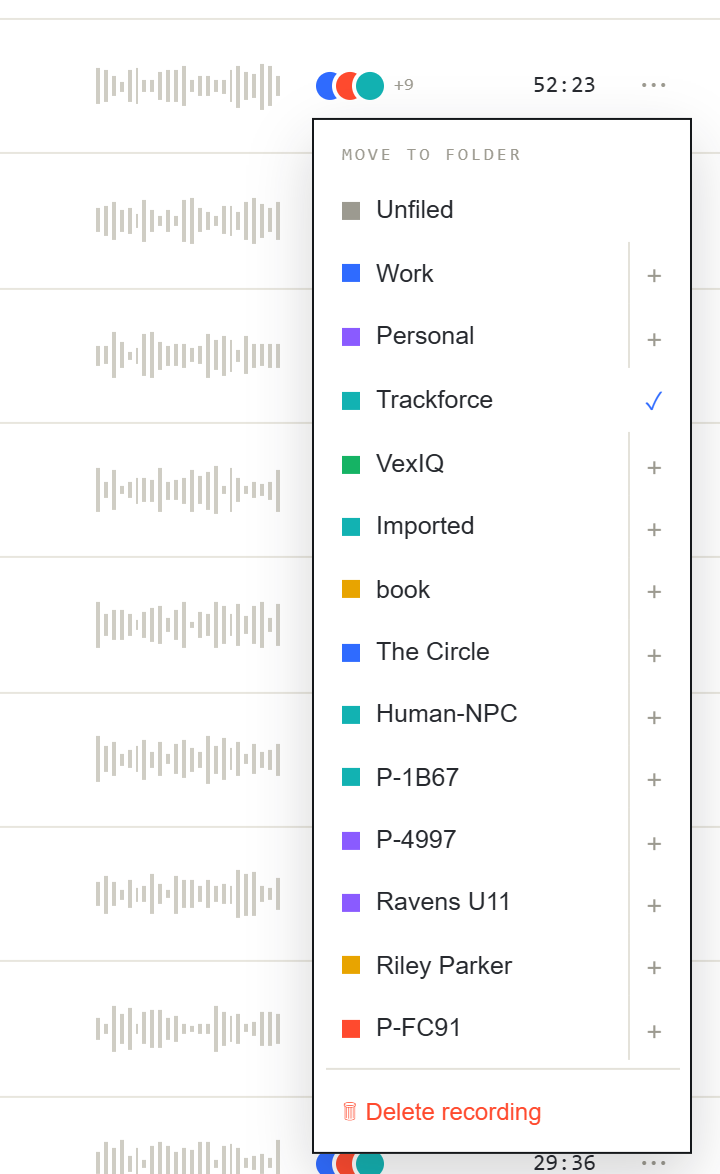
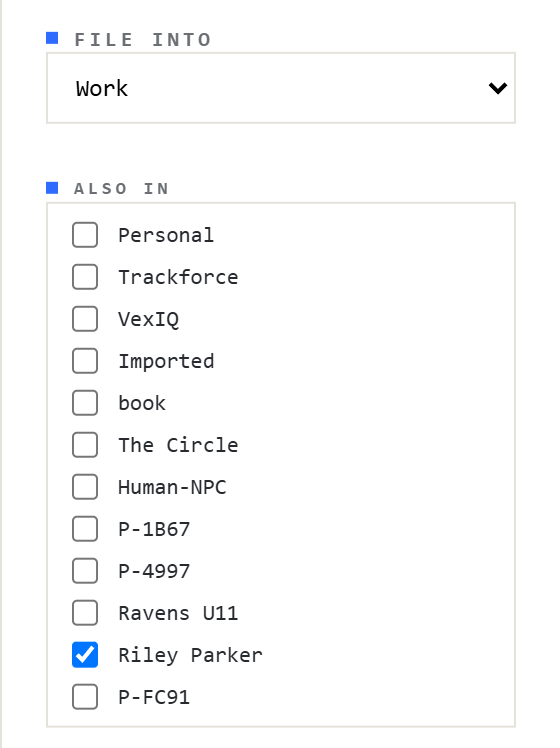
- Phone: open the recording → the folder icon → tick any folders. ★ marks the primary.
Moving a recording changes only its primary - extra memberships survive. Moving to Unfiled clears everything. Each report-backed folder the recording joins syncs its own document.